For athletes
Log your session before you leave the dock.
A rowing app made for the minute after: the piece you've just done, with the numbers still fresh. Few taps and big numbers.
Log
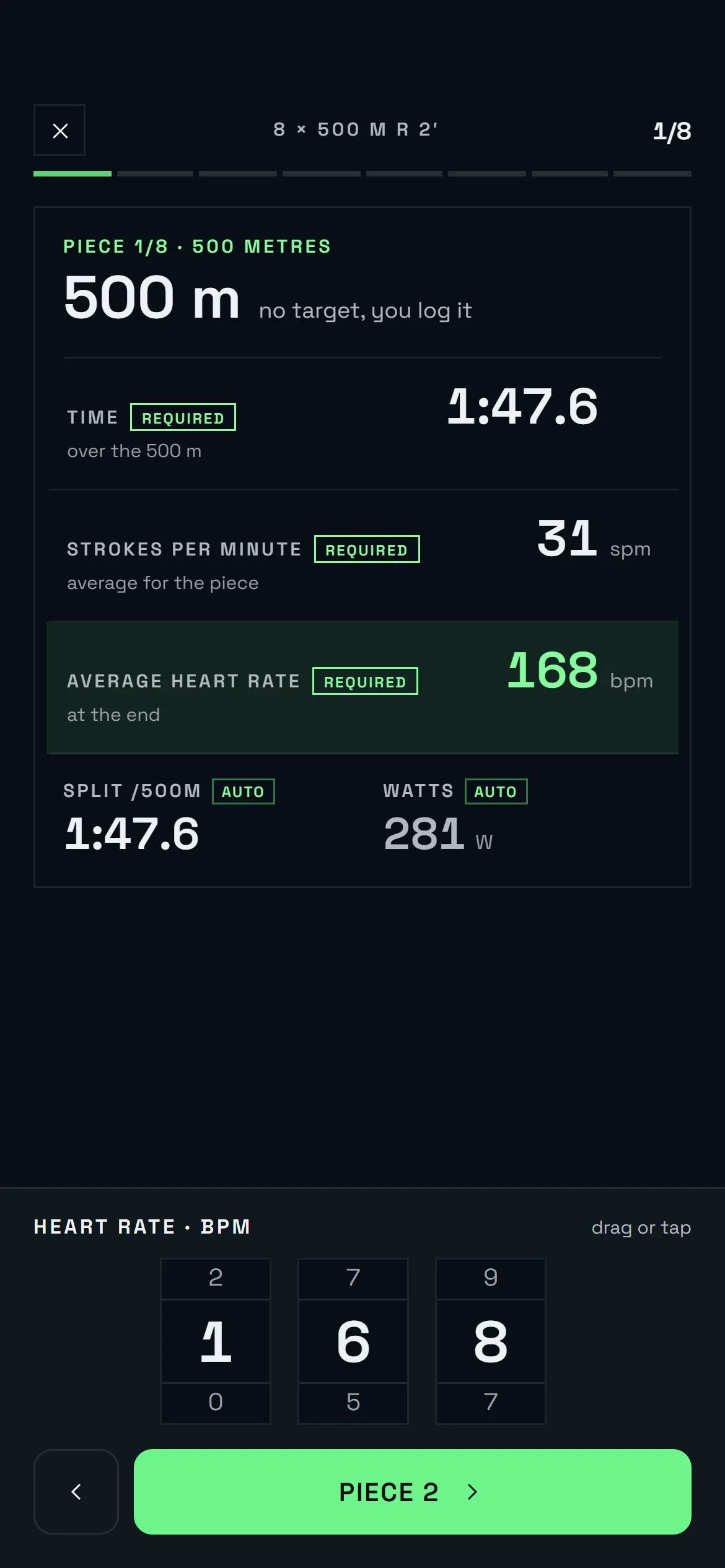
Pieces in a minute, with the split calculated for you.
Metres, time, stroke rate and heart rate. The split /500 m is calculated for you, and if the session was scheduled the pieces are already filled in.
Water, erg, bike, running, strength and test
Each session type asks for what it needs: distance and time on the water, watts and split on the erg, sets and kilos for strength.
Energy and effort
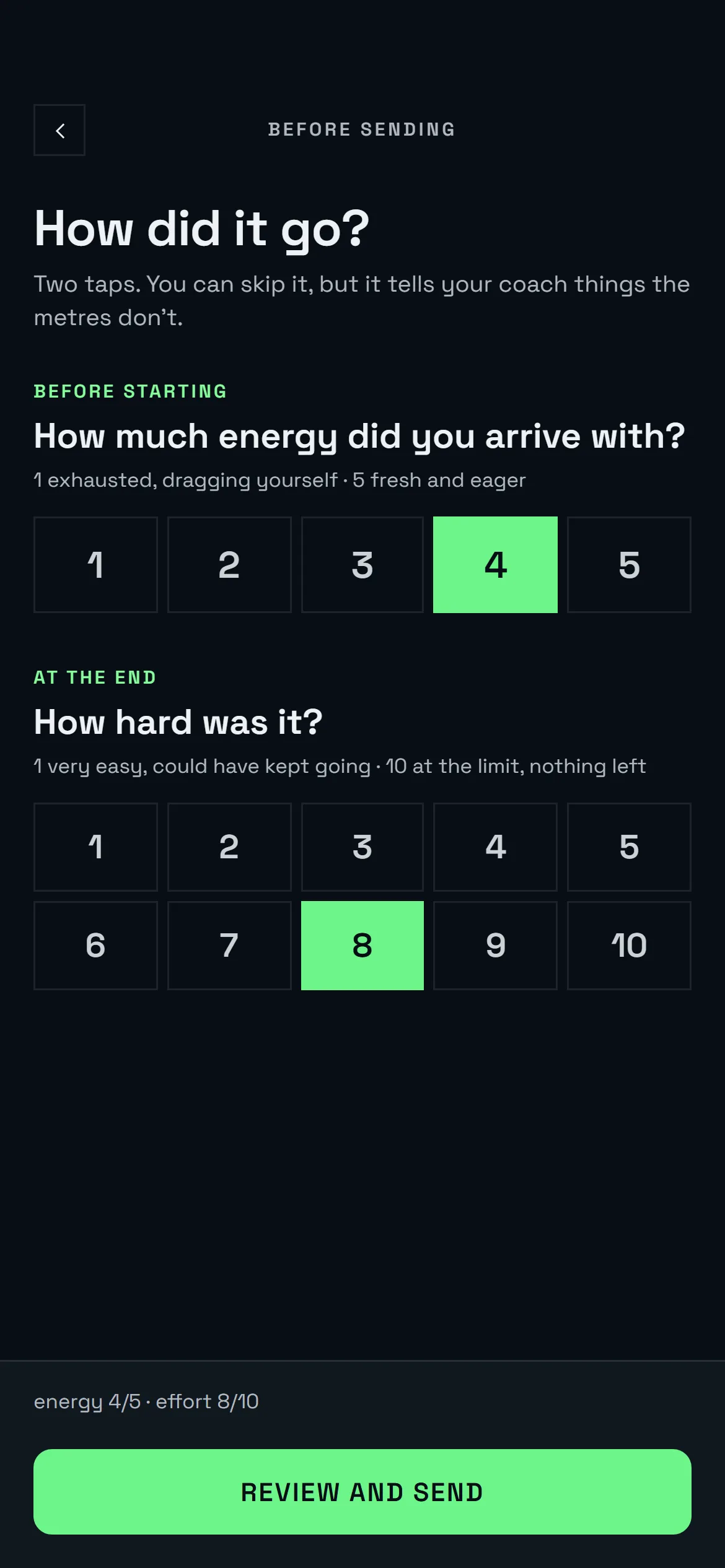
How much energy you arrived with and how hard it was: two taps. It tells the coach how you really are.
Free sessions
A solo run or an erg session at home is logged the same way and counts the same.
Review and send
Before sending you see the session summary. Then it's in your history and on the coach's dashboard.
Your progress
History and personal bests.
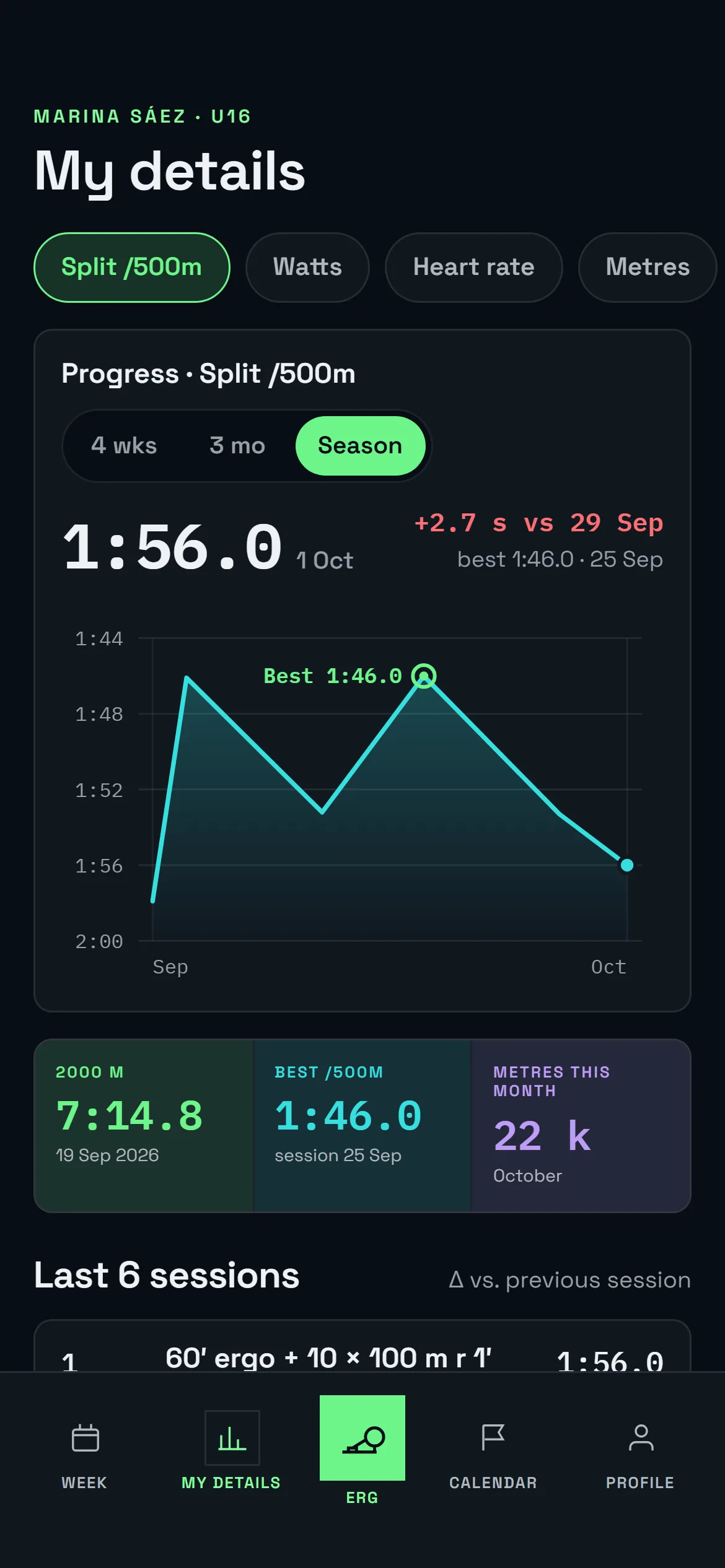
- Every session, saved. Session by session, with the pieces, the split and how you felt that day.
- PBs and tests. Your best 2000 m, your best 6000 m and how they've changed over the season.
- Weight and height. If you want, add your weight: the coach's watts per kilo use your weight on that day.
- Only what's yours. You see your own data and the squad data your coach shares.
The club in your pocket
Selections, boats and notifications, in the same place.
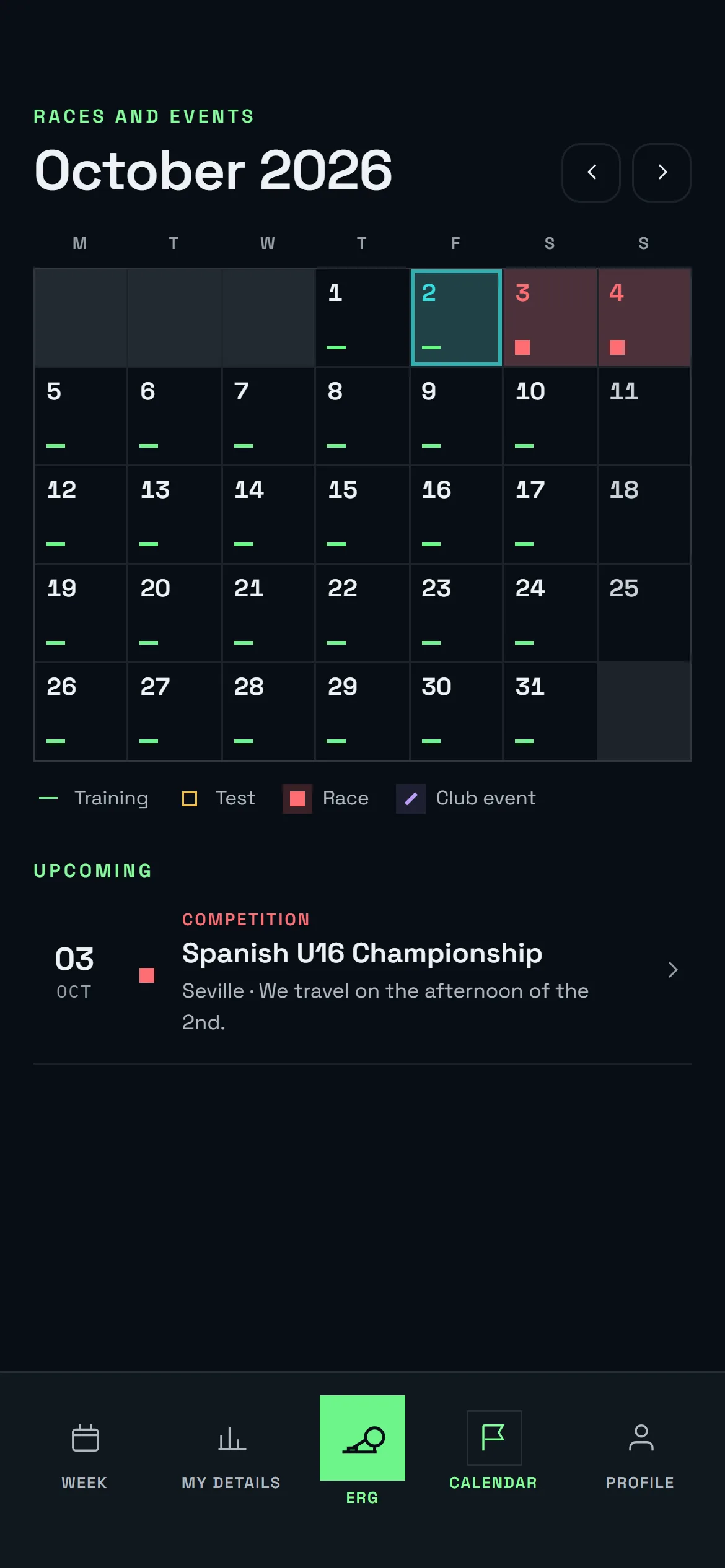
- Selections and events. Saturday's regatta, with the time, the venue and whether you're selected. With a notification on your phone.
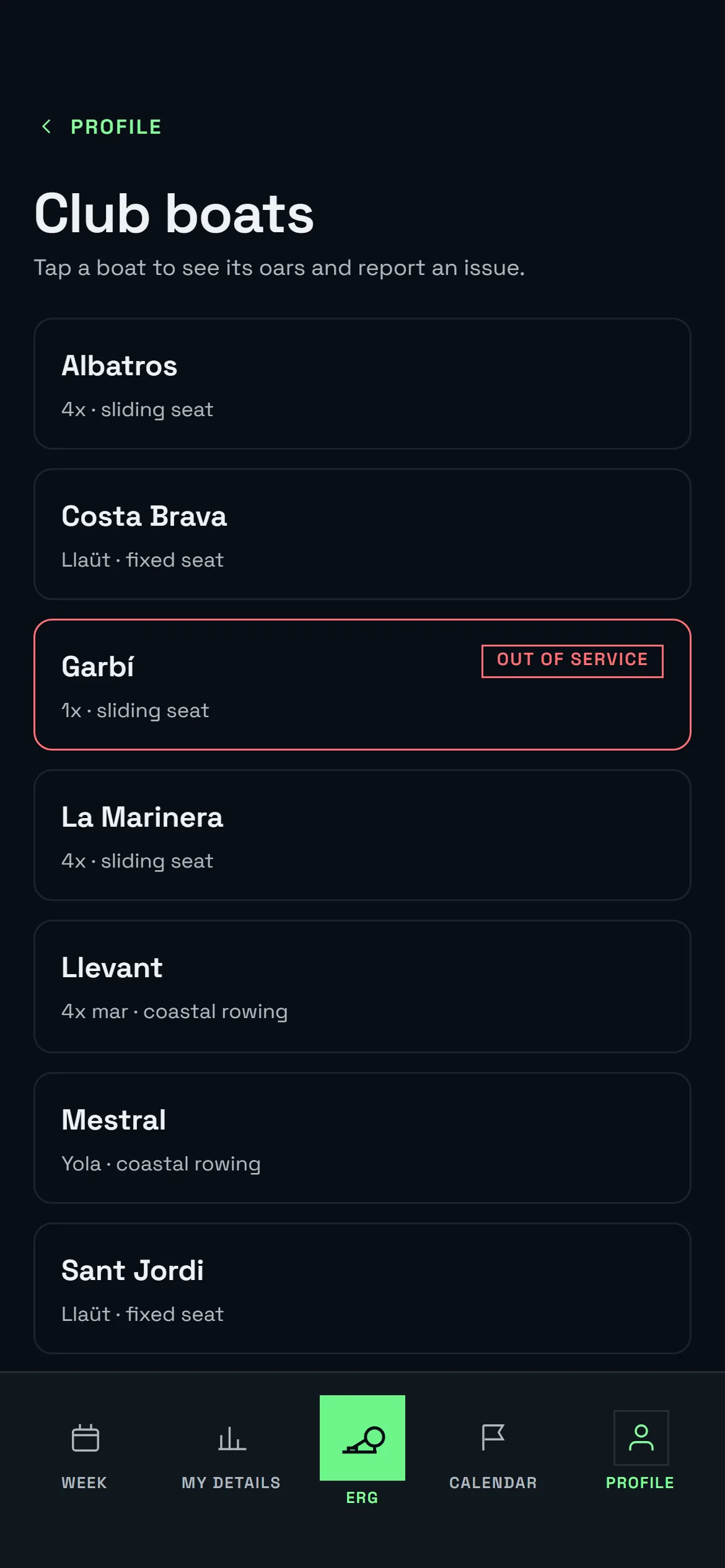
- Your boat and your seat. Which boat you're in, which seat and with whom.
- Report damage. A broken oar or a loose hatch is reported in two taps and reaches the coach instantly.
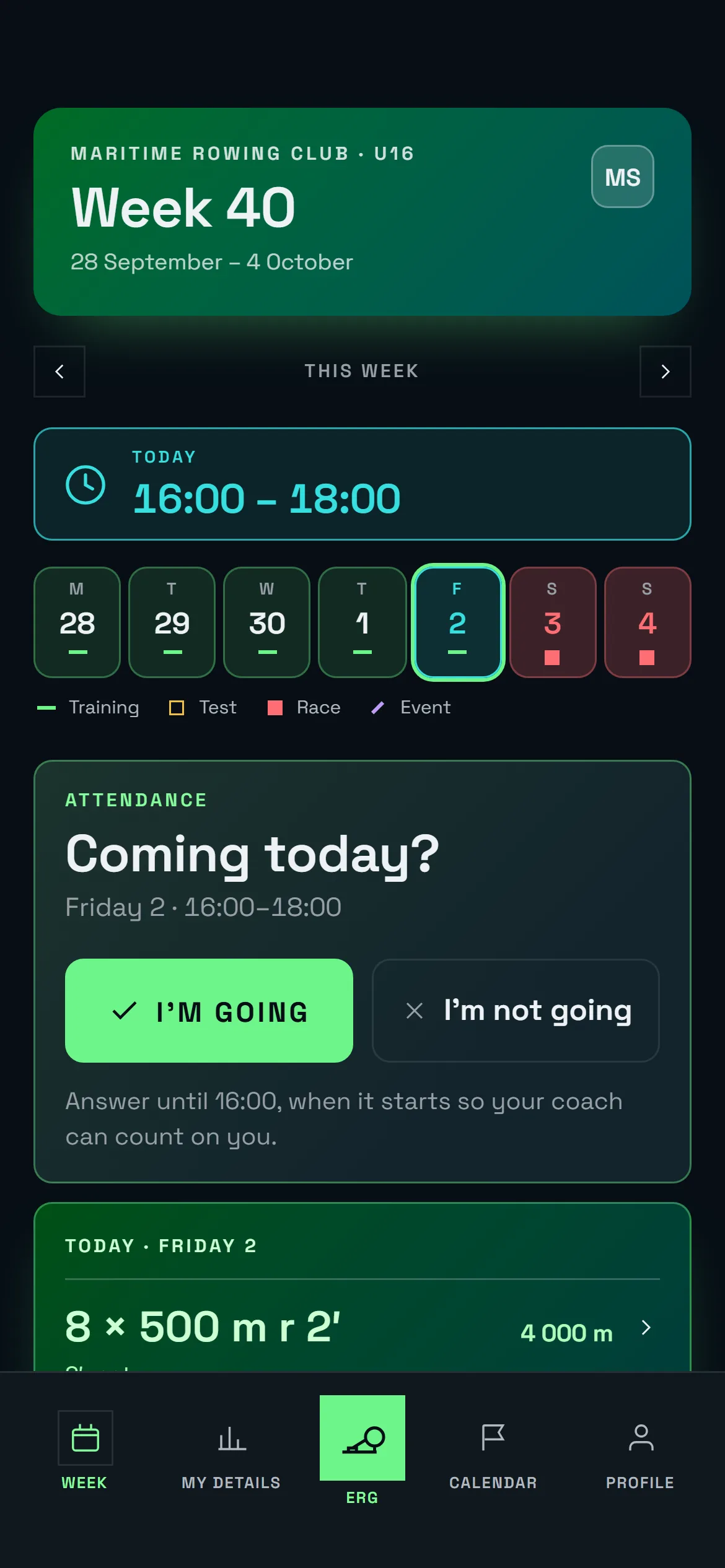
- Attendance and absence letters. Confirm from your phone whether you're coming to training. For regattas, the club generates a PDF absence letter for school or work.
Install
On your phone, without going through the store.
iPhone
Safari → Share → Add to Home Screen
Open app.remonta.me in Safari, tap the share button and choose “Add to Home Screen”.
Android
Chrome → Menu → Install app
Open app.remonta.me in Chrome and accept the install prompt, or look for “Install app” in the menu.
Coming soon
App Store and Google Play
The native apps are on their way. In the meantime, the web version does the same, with the same notifications.
Accessible to the whole squad
Adjustable text size, high-contrast mode and large touch targets. Set up from your profile, inside the app.
FAQ
Questions from rowers.
Do I have to install the app?
Can I log a session that wasn't scheduled?
Who sees my data?
What if I row in two squads?
Ask your club to use Remonta.
The club signs up, invites the athletes and within a week the app is part of training. We'll show you how.
Already have an account? Open the app.